RayNeo Air 4 Pro, explained
RSS FeedIndependent spec breakdowns, hands-on reviews and buying guides for the RayNeo Air 4 Pro AR glasses. Every figure here is traced back to a primary source — the manufacturer's own spec sheet, or a measurement we took ourselves.
Start with the full review, or browse every article.


Featured
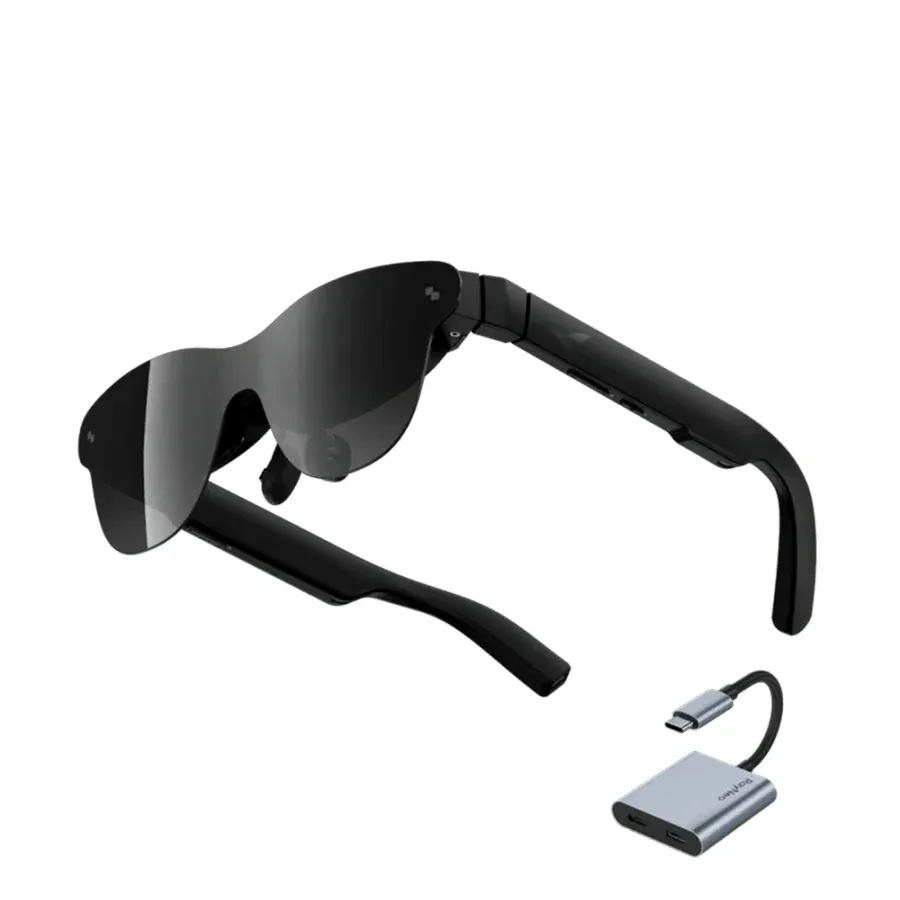
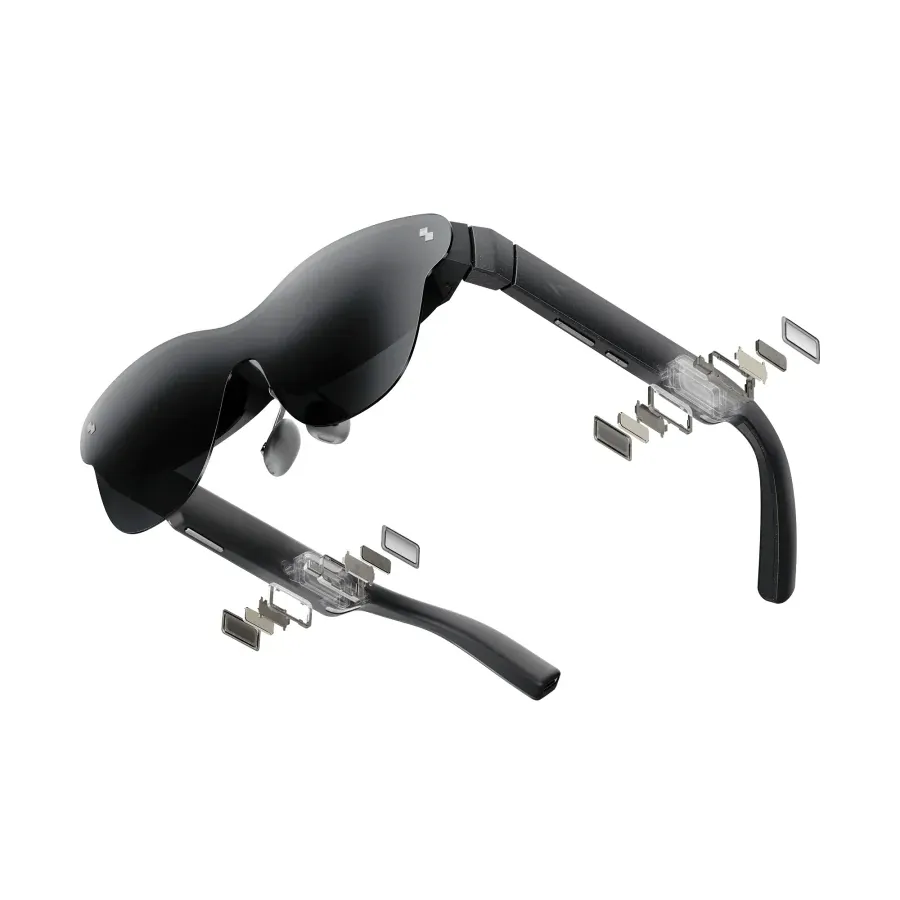
RayNeo Air 4 Pro Review: HDR10 Finally Arrives in AR Glasses
The RayNeo Air 4 Pro is the first pair of AR glasses with an HDR10 display. Here is how the 201-inch screen, the B&O audio and the 76g frame hold up in daily use — and the one spec RayNeo left out.
Recent Posts
Which RayNeo Air 4 Pro Accessories Do You Actually Need?
JoyDock, Pocket TV, the USB-C adapter, the HDR10 HDMI adapter and the Sound Tube — what each one does, what it costs, and which bundle saves you money. A buyer's guide to the RayNeo accessory ecosystem.
Does the RayNeo Air 4 Pro Work With a Steam Deck? Full Setup Guide
Yes — the RayNeo Air 4 Pro plugs straight into a Steam Deck over USB-C with no dock and no app. Here is the setup, the 120 Hz reality, how much faster the Deck drains, and the two ways to fix it.
RayNeo Air 4 Pro: 30 Questions Answered
Every common question about the RayNeo Air 4 Pro in one place — price, HDR10, 3DoF, battery, Netflix, prescription lenses, Steam Deck and the Batman Edition. Short, direct answers.
RayNeo Air 4 Pro and Prescription Lenses: A Complete Guide
How to use the RayNeo Air 4 Pro if you wear glasses — the included lens frame, where to buy inserts, what it costs, and how to get the image sharp across the whole screen.
Is the RayNeo Air 4 Pro Worth It? An Honest Buyer's Guide
Short answer: yes for films, games and travel, no if you want virtual monitors for work. Here is what the $299 RayNeo Air 4 Pro actually delivers, what it does not, and who should skip it.
How to Connect the RayNeo Air 4 Pro: Steam Deck, PS5, iPhone and More
A step-by-step setup guide for the RayNeo Air 4 Pro — which devices work over plain USB-C, which need the HDMI adapter, and how to fix it when nothing shows up on screen.